strong2026-03
62,188 GitHub stars — #2 in categoryMassive star count but zero HN traction is anomalous for a tool this popular.
62,188 starsGitHub community
Free, open-source web scraping (Apache-2.0). 62K stars, 6,353 forks (nearly matches Firecrawl), actively maintained (v0.8.5, 2026-03-18), 384K weekly PyPI downloads. Best open-source alternative to Firecrawl.
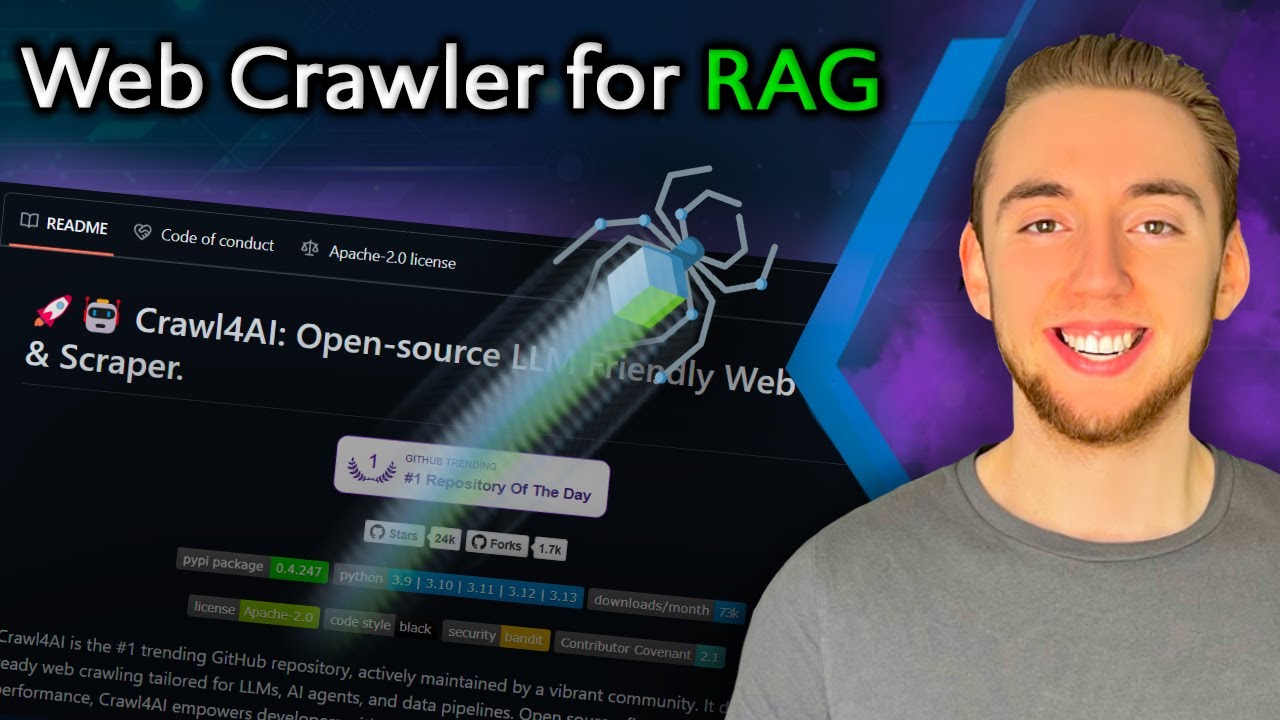
Where it wins
Apache-2.0 license — best in category for enterprise embedding
62,249 GitHub stars (#2 in category)
6,353 forks — nearly matches Firecrawl's 6,516 (heavy developer usage)
Completely free, no vendor lock-in
384K weekly PyPI downloads
Local LLM support (Llama 3, Mistral)
Actively maintained — v0.8.5 released 2026-03-18
v0.8.x: deep crawl crash recovery, prefetch mode (5-10x faster), adaptive intelligence
Where to be skeptical
Pre-1.0 maturity (v0.8.5)
Zero HN stories above 10 pts despite 62K stars (anomalous)
Lower success rate: 89.7% vs Firecrawl 95.3%, higher noise: 11.3% vs 6.8%
Python-only — no multi-language SDK support
No MCP server — limits integration with MCP-based agent orchestration
Editorial verdict
#7 in search-news — the open-source self-hosted choice. 62K stars, Apache-2.0, actively maintained (v0.8.5 released 2026-03-18). ScrapeOps rates 'best open source' (7/10). Fork count nearly matches Firecrawl (6,353 vs 6,516) showing heavy dev usage. Wins on license, cost, and developer control.
Videos
Reviews, tutorials, and comparisons from the community.
Turn ANY Website into LLM Knowledge in SECONDS
Scrape Any Website for FREE Using DeepSeek & Crawl4AI
n8n + Crawl4AI - Scrape ANY Website in Minutes with NO Code
Crawl4AI: The Ultimate AI Website Scraping Guide
Crawl4AI + Aider & Cline: AI Coding with WEB SCRAPING
Related
SearXNG
88Privacy-first, self-hosted meta-search engine aggregating 70+ upstream engines. Zero cost, zero API keys, full data sovereignty.
Exa MCP Server
87Official Exa MCP for fast web search and crawling when the workflow is search-first rather than page-ops-first.
ScrapeGraphAI
82LLM-graph-based web scraper — describe what you want, AI builds the extraction graph. 23K stars, 194 HN pts, active development (v1.74.0, Mar 2026). Open-source + hosted API.
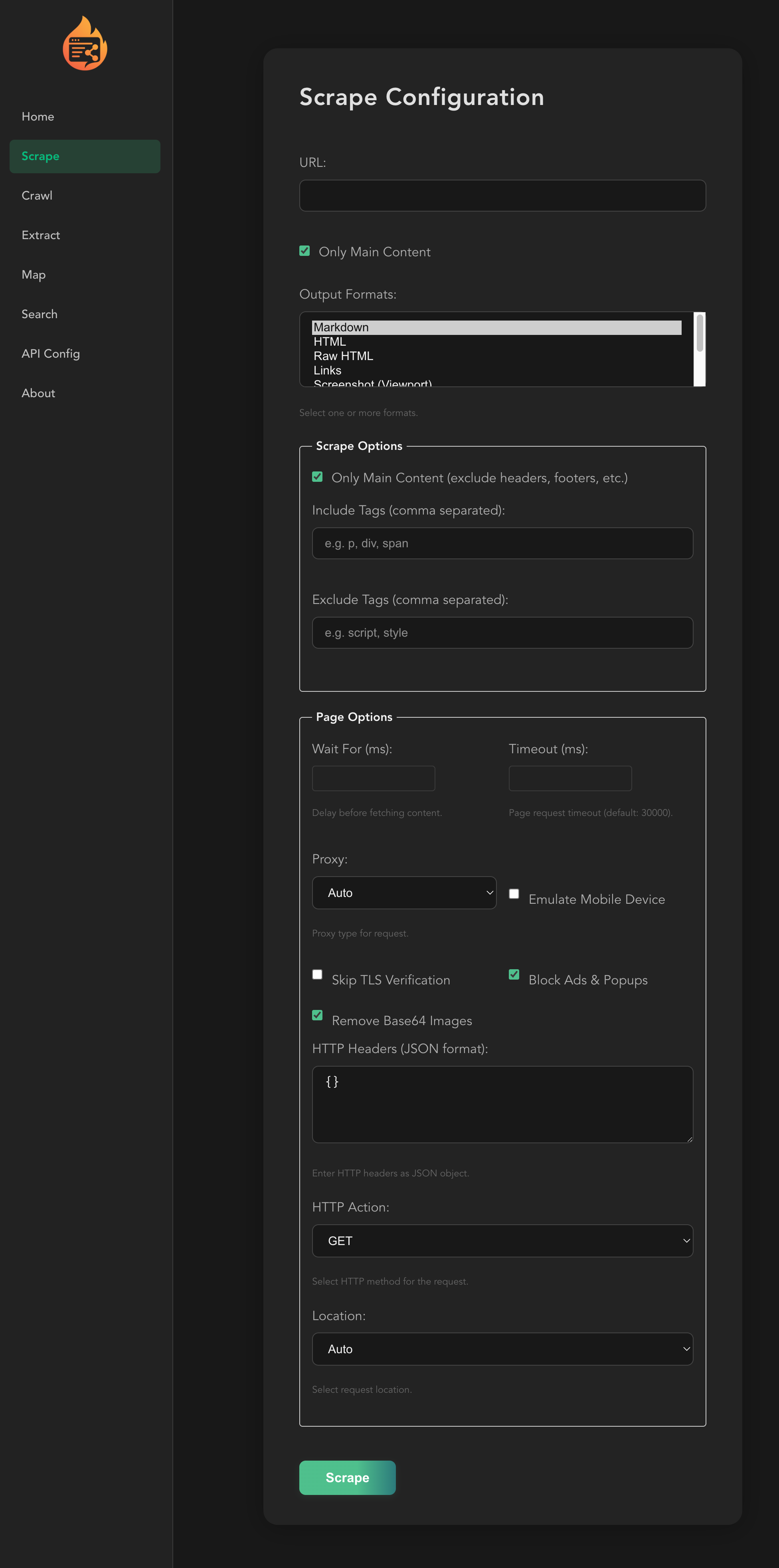
Firecrawl MCP Server
72Official Firecrawl MCP for scraping, extraction, and deep research workflows. 95K+ GitHub stars (main repo), 1.23M combined weekly downloads, backed by $14.5M Series A. ScrapeOps 10/10.
Public evidence
Massive star count but zero HN traction is anomalous for a tool this popular.
v0.8.5 released March 18, 2026 — actively developed. 372K weekly PyPI downloads confirm real adoption. Previous 'stalled' assessment was incorrect.
89.7% success rate vs Firecrawl 95.3%. 11.3% noise vs 6.8%. Crawl4AI wins on license/cost, Firecrawl wins on quality/features.
Rated 7/10, 'Best open source.' Gap between Crawl4AI (7/10) and Firecrawl (10/10) is real but Crawl4AI is the only viable OSS option. 'Blazing-fast performance (sub-second parsing).'
At 500K pages, Crawl4AI ~$250 DIY vs Firecrawl $333/mo managed. Cost advantage at scale but requires infrastructure investment.
Raw GitHub source
Constrained peek so you can sanity-check the source material without leaving the site.
<a href="https://trendshift.io/repositories/11716" target="_blank"><img src="https://trendshift.io/api/badge/repositories/11716" alt="unclecode%2Fcrawl4ai | Trendshift" style="width: 250px; height: 55px;" width="250" height="55"/></a>
Latest: v0.9.5 (14 Oct 2026) · all releases →
<a href="https://crawl4ai.com/?ref=readme-banner"> <picture> <source media="(prefers-color-scheme: dark)" srcset="https://raw.githubusercontent.com/unclecode/crawl4ai/main/docs/assets/cloud-launch-banner-dark.svg"> <img alt="Crawl4AI Cloud is live. Soft launch: free credits every month, no card. Get your key." src="https://raw.githubusercontent.com/unclecode/crawl4ai/main/docs/assets/cloud-launch-banner-light.svg" width="960"> </picture> </a> </div>Crawl4AI turns any website into clean, LLM-ready Markdown for RAG, AI agents and data pipelines. Run the open-source web crawler and scraper yourself, free forever, or use it hosted with one key: /scrape a page to Markdown, /extract it to JSON, /search the web, /serp for Google's results page as data, /answer a question with sources; MCP for your agent. Free: 10 a minute, 2 at a time, 1,000 credits every month. Plans: 120 a minute, 10 at a time, from $10 a month.
pip install -U crawl4ai
crawl4ai-setup        # installs the browser, once
import asyncio
from crawl4ai import AsyncWebCrawler

async def main():
    async with AsyncWebCrawler() as crawler:
        result = await crawler.arun(url="https://news.ycombinator.com")
        print(result.markdown)

asyncio.run(main())
Docker server, CLI and every option: Installation · docs.crawl4ai.com
Verify your email and 1,000 free credits are yours every month. No card. Soft launch: prices can change, what you buy stays yours. 2. Get any page as Markdown:
curl -s https://api.crawl4ai.com/scrape \
  -H "Authorization: Bearer $CRAWL4AI_KEY" \
  -H "Content-Type: application/json" \
  -d '{"url": "https://news.ycombinator.com"}' | jq -r .markdown
The same key works for /extract, /search, /serp, /answer and many URLs at once (/scrape/batch, /scrape/jobs). Pay as you go: live prices.
3. Give it to your AI agent. Claude Code shown; Codex, Cursor and OpenCode →
claude mcp add --transport http crawl4ai https://api.crawl4ai.com/mcp \
  --header "Authorization: Bearer $CRAWL4AI_KEY"
| 🐍 Library | 🐳 Your own server | ☁️ Crawl4AI Cloud | |
|---|---|---|---|
| Runs the browsers | you, in your Python process | you, in Docker on your machine | we do |
| JS-heavy pages and bot walls | your settings, your proxies | your settings, your proxies | handled for you, automatically |
| Web search | – | – | /search, /serp and /answer |
| Price | free, forever | free (your hosting) | 1,000 free credits every month; plans from $10 a month |
I grew up on an Amstrad, thanks to my dad, and never stopped building. In grad school I specialized in NLP and built crawlers for research. That’s where I learned how much extraction matters.
In 2023, I needed web-to-Markdown. The “open source” option wanted an account, API token, and $16, and still under-delivered. I went turbo anger mode, built Crawl4AI in days, and it went viral. Now it’s the most-starred crawler on GitHub.
I made it open source for availability, anyone can use it without a gate. Now I’m building the platform for affordability, anyone can run serious crawls without breaking the bank. If that resonates, join in, send feedback, or just crawl something amazing.
That platform is live now: Crawl4AI Cloud.
</details> <details> <summary>Why developers pick Crawl4AI</summary>PruningContentFilterLXML, BM25ContentFilter (for a query) and LLMContentFilter.☁️ Same in the cloud: POST /scrape returns this Markdown, with no browser to run. Docs →
JsonCssExtractionStrategy, JsonXPathExtractionStrategy, RegexExtractionStrategy).generate_schema writes a reusable schema.LLMExtractionStrategy).CosineStrategy).☁️ Same in the cloud: POST /extract, with no LLM key of your own. Docs →
enable_stealth, and an undetected-browser adapter for sites that detect automation.resume_state) for long crawls.AdaptiveCrawler stops when it has learned enough to answer your query.AsyncUrlSeeder (sitemaps, Common Crawl) and DomainMapper; prefetch=True finds URLs 5 to 10 times faster.scan_full_page) for infinite scroll and lazy images.srcset, internal and external links, iframes, metadata.